
Everyone took photos.
Now you have them all.
Your guests scan a QR code and add their photos to one shared album. No app, no account, full quality.


The best photos are the ones you never saw.
They live on your guests' phones. Only a fraction ever makes it to the group chat, and after three days nobody asks anymore.
SvenCan someone send me the photos from yesterday?
JuliaWhich ones?
BenI'll send them tomorrow!
MarieAlready deleted mine, sorry
3 days laterSvenHello?
 Anna & Sven248 photos · 43 guests
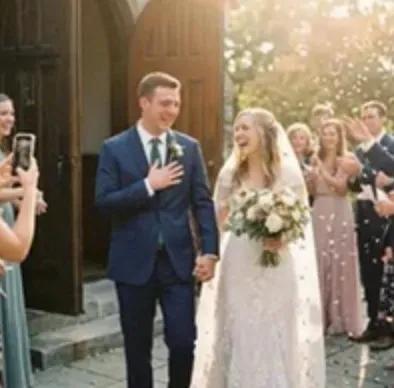
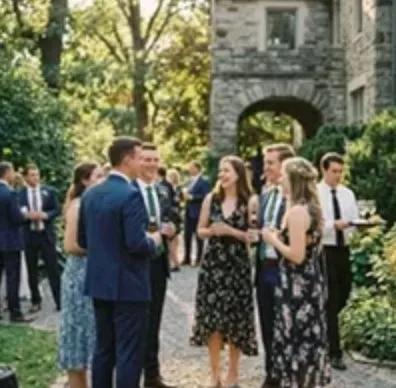


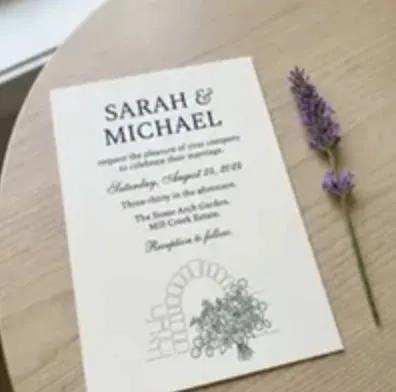
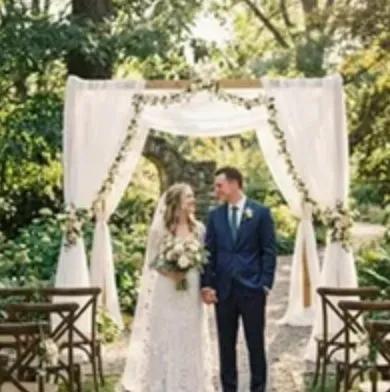

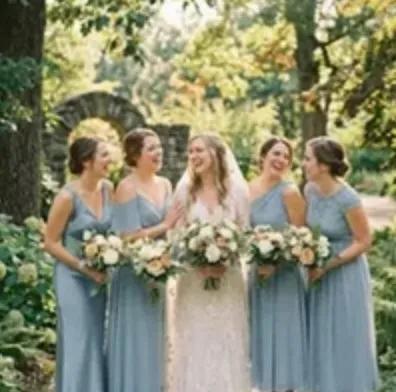
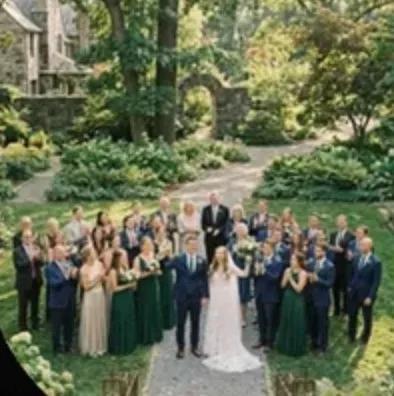


From QR code to album. In four steps.
What Mymories does.
Guests don't need an app.
Scan the QR code, enter a first name, upload. Works on any phone, right in the browser.
Download everything at once.
After the party you grab the whole album with one click. In full quality, for the photo book or your hard drive.

Videos too.
Live, as it happens.
New photos show up for everyone instantly, while the party is still going.

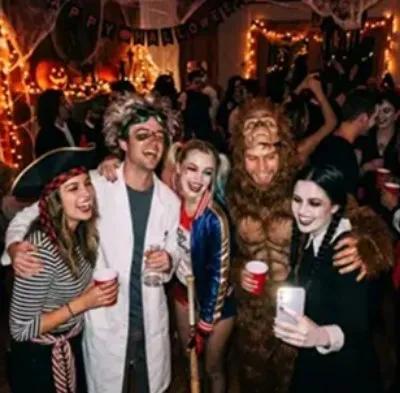


Wedding, birthday, road trip, family.



What our users say.
„Coole App! Hab ich schon oft mit Freunden auf Events genutzt.“
Ria-li95 · App Store review „Sehr übersichtliche und praktische App. Tolle Idee!“
TH280991 · App Store review „Super App und tolles Design! Weiter so“
Cristian Ronald · App Store review
Questions we hear a lot.
All questions and answersNo. Guests open the album via QR code or link directly in their browser and can do everything there: view, upload and download photos. The app is optional and adds extras like push notifications for new photos.
Viewing the album requires nothing at all. To upload, guests just enter their first name so photos can be attributed — no email, no password, no sign-up. A real account with Apple, Google or email is only needed if someone wants to keep their events permanently and across multiple devices.
Yes. The app is free, and a free event covers up to 50 photos and 5 participants with 12 months of storage. If you need more, you upgrade that one event once: Basic at €2.99 gives you 150 photos and unlimited participants, Ultra at €11.99 gives you unlimited photos, unlimited participants and 4K video. Both are one-time purchases — no subscription, no ads, no hidden costs.
We store your photos at full resolution with no quality loss. You can download them anytime.
Your photos are stored for 12 months from the creation of your event. If you upgrade your event to Basic or Ultra, the storage period restarts — 12 months from the upgrade. During this time you can download all photos at any time and save them locally. We'll notify you before the storage period ends.
Yes, you can download all event photos as a ZIP file. This way you have all memories safely stored on your device.
Privacy is our top priority. Your photos are encrypted during transfer and storage. We don't sell data to third parties and don't show ads.
You can take photos and queue them for upload. As soon as you're back online, they'll be automatically uploaded.
Your first event takes less than a minute.
Free, no subscription. For iPhone, Android and the browser.